

Lecha blog: lecture notes, transcription, and Photo Tutor
This is the Lecha study-app blog: how to turn a lecture into notes, transcribe class audio, pull notes from a YouTube link or a PDF, and use Photo Tutor on a photographed question. It is not a second homepage, and it is not a grade machine.
Google already shows this index near the top (147 impressions, position about 1.7, 0 clicks in the 22 Jul–18 Aug 2026 window). The old title was the same as the homepage (“Lecha - AI Note Taker”) and the snippet reused the sitewide trial line. That is why the listing got seen and not clicked. This page now names the topics.
Key takeaways
Start here for lecture notes, transcription, YouTube notes, PDFs, and Photo Tutor.
The web app is live at app.lecha.app. The recorder is on iPhone and iPad (iOS 16+).
Two rewritten guides are already live: transcribe a lecture and a website that turns lectures into notes.
Do not use these posts as an exam device. Ask before you record a class.
Which guide should you open?
You have Open
A live lecture you may record How to transcribe a lecture, get notes, and use Photo Tutor
A file, PDF, or YouTube link at a laptop A website that turns lectures into notes
A YouTube video only YouTube video notes
A PDF PDF note taker
Notes you want to quiz How to summarize notes into quizzes
The list below is the Framer Blog collection as it stands. Some older titles still say “best,” “ultimate,” or school names. Those are not featured here. Do not treat them as product proof.
Lecha iPhone screen of a recorded lecture with Summary and Transcript
Not for you
You wanted the product homepage. That is lecha.app.
You searched only for the brand name. This index is for study-app how-tos.
You need Android. Lecha is iPhone, iPad, and web as listed 22 Aug 2026.
The assessment bans recording or outside help.
FAQ
What is on the Lecha blog?
How-tos for lecture notes, transcription, YouTube notes, PDFs, quizzes, and Photo Tutor. See the table above for the live rewrites.
Is this a free-trial landing page?
No. Trial length is not stated here. The homepage and App Store show the current offer.
Can these posts raise a grade?
No. They describe capture and retrieval. Rereading a new notes page is still rereading.
Related
Lecha
Web app
App Store
How to transcribe a lecture, get notes, and use Photo Tutor

AI Study Tool
AI Study Guide Maker
Study AI
How to turn a PDF into notes, quizzes, and flashcards

YouTube Video Notes Taker AI
How to turn a lecture into notes and retrieval practice
Why Lecha is the Ultimate Alternative to Fathom AI Note Taker
AI That Takes Notes on a YouTube Video: Lecha
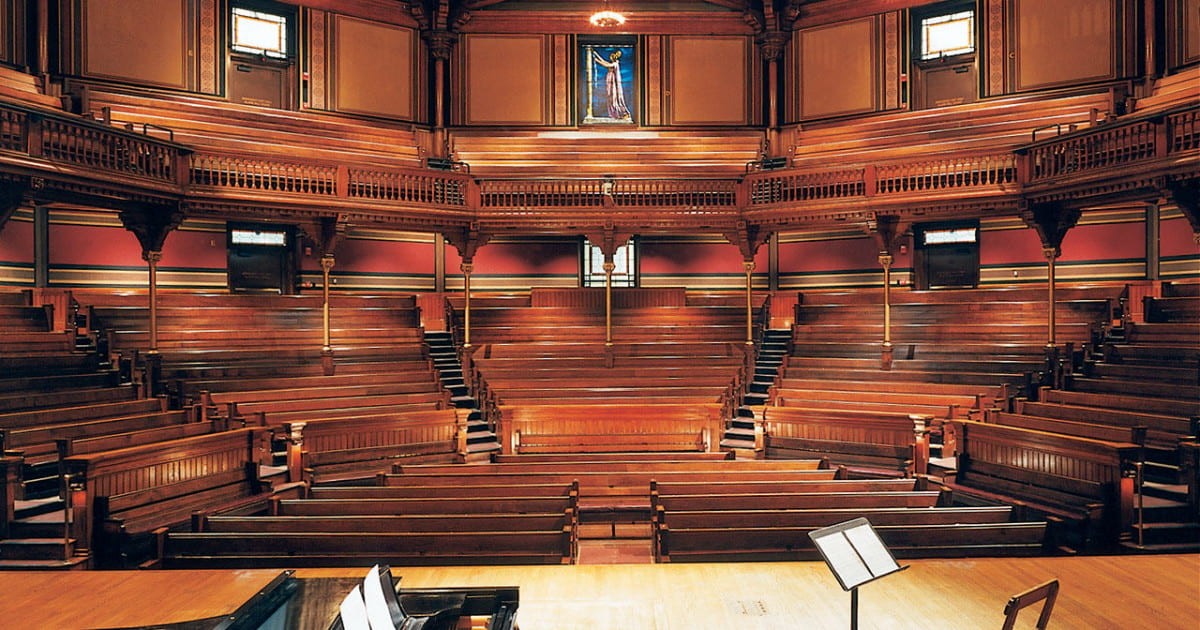
AI Note Taker Used by Harvard Students: Meet Lecha
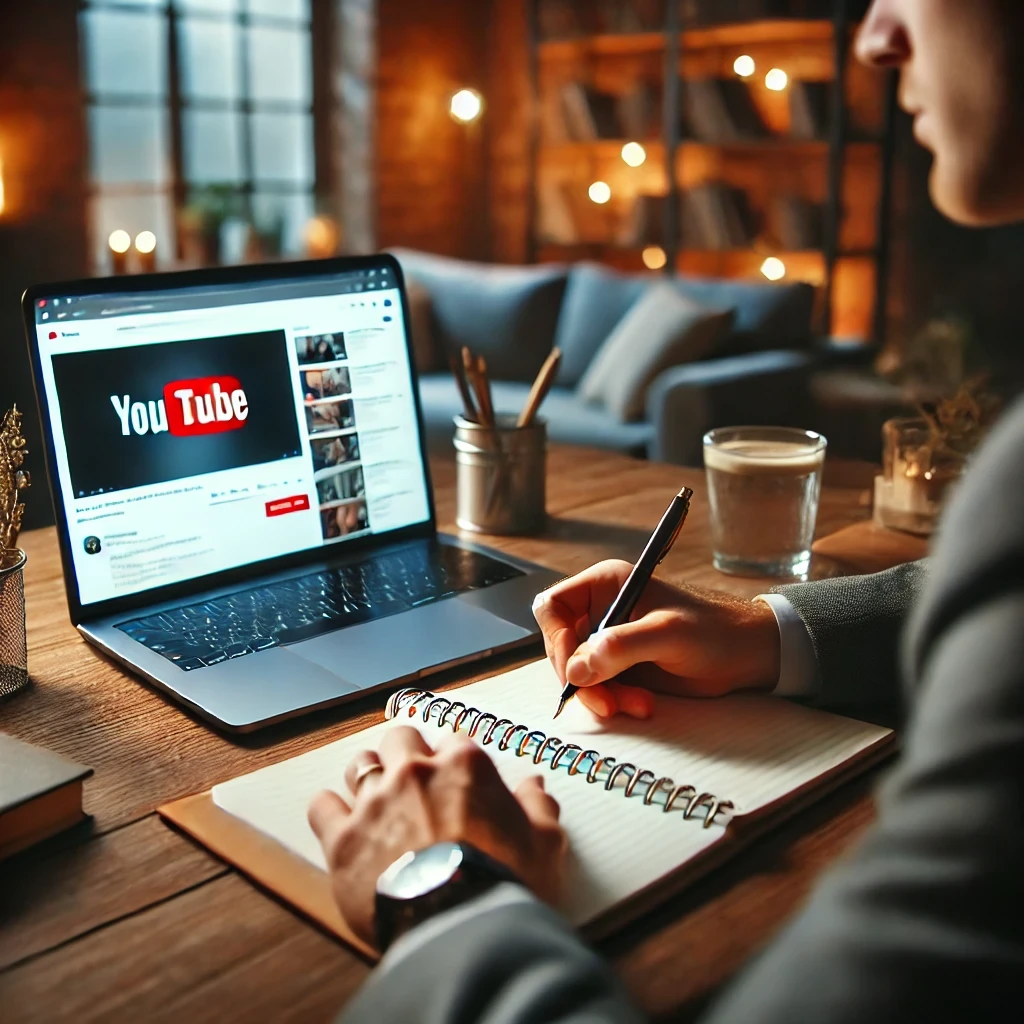
How to transcribe a lecture, get notes, and use Photo Tutor
AI Study Tool
AI Study Guide Maker
Study AI
How to turn a PDF into notes, quizzes, and flashcards
YouTube Video Notes Taker AI
How to turn a lecture into notes and retrieval practice
Why Lecha is the Ultimate Alternative to Fathom AI Note Taker
AI That Takes Notes on a YouTube Video: Lecha
AI Note Taker Used by Harvard Students: Meet Lecha
Lecha blog: lecture notes, transcription, and Photo Tutor
How to transcribe a lecture, get notes, and use Photo Tutor
AI Study Tool
AI Study Guide Maker
Study AI
How to turn a PDF into notes, quizzes, and flashcards
YouTube Video Notes Taker AI
How to turn a lecture into notes and retrieval practice
Why Lecha is the Ultimate Alternative to Fathom AI Note Taker
AI That Takes Notes on a YouTube Video: Lecha
AI Note Taker Used by Harvard Students: Meet Lecha