To transcribe a lecture and turn it into lecture notes, record the session on your phone, then generate a transcript and a formatted notes page you can actually revise from. When the homework question doesn't match the wording in that transcript, Photo Tutor is the next step: photograph the question and read the steps as a walkthrough, not as an answer key.
That loop is what Lecha ships today on iPhone, iPad, and the web app: lecture recording, transcription, notes, quizzes, flashcards, and image-based Photo Tutor. It is not a grade machine, and it is not something to open in a closed-book exam.
Key takeaways
A transcript is a record of what was said. Lecture notes are the formatted page. Retrieval (quizzes/flashcards) is the study method.
Lecha's App Store listing (21 Aug 2026) describes an in-app recorder that transcribes voice notes into formatted digital lecture notes. iPhone and iPad, iOS/iPadOS 16.0+.
Photo Tutor is the homework-photo flow on lecha.app: upload or snap a question, get step-by-step guidance.
Practice testing beats rereading. Dunlosky et al. (2013) rated practice testing high-utility and rereading low-utility. That paper does not evaluate Lecha.
Ask before you record. Don't use Photo Tutor in an assessment that bans AI or outside help.
What is the difference between a lecture transcription and lecture notes?
A lecture transcription is the full-text record. Lecture notes are the cleaned, formatted version of that record.
If you only re-read either one, you are still rereading. Dunlosky, Rawson, Marsh, Nathan and Willingham (2013) rated rereading and highlighting as low-utility techniques, and practice testing as high-utility (journal article).
How do you transcribe a lecture in Lecha?
Check whether your department allows recording.
Open Lecha on iPhone or iPad, or use app.lecha.app.
Record the lecture. The App Store copy (21 Aug 2026) describes recording and transcribing voice notes into formatted digital lecture notes.
Use the transcript for exact wording; use the notes page for revision.
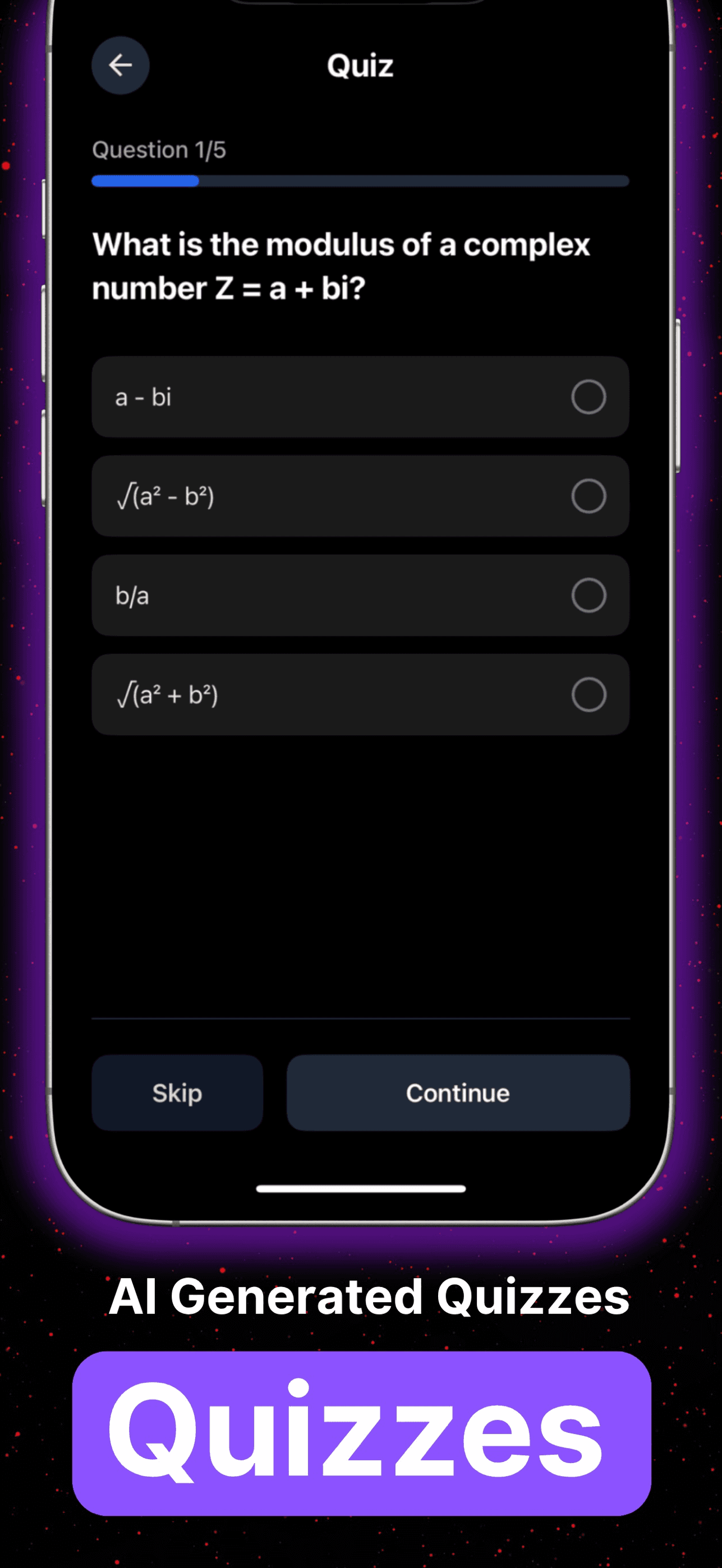
Generate quizzes and flashcards after the lecture, as described on lecha.app.
Optional: if the lecture already lives on YouTube, the homepage states that pasting a link returns notes, flashcards and quizzes “in under 60s”. That timing is a homepage-stated claim, not an independent benchmark. See YouTube video notes.

What should you do with the notes after class?
Same day: quiz yourself from that lecture's notes without looking at the transcript. Same week: a short quiz on this lecture plus the previous one (distributed practice). When a worked example still will not unpack, use Photo Tutor.
After class | Do this | Don't do this |
|---|---|---|
Same day | Generate quizzes/flashcards from the notes (lecha.app) | Only re-read the transcript |
Same week | Short quiz on this lecture + last lecture | One long cram |
Stuck on the problem set | Photo Tutor on a photographed question | Paste the walkthrough as your submitted work |
More on quizzes: How to Summarize Notes into Quizzes.
Where does Photo Tutor fit?
Photo Tutor covers the gap a transcript cannot: the problem set.
lecha.app describes Tutor as: stuck on a question, upload an image, get step-by-step guidance. The App Store listing (21 Aug 2026) describes snapping a photo of homework for a step-by-step breakdown.
Attempt the question first.
If stuck, photograph it in Photo Tutor.
Cover the next line and try to produce it (self-explanation).
Close the walkthrough and do a neighbouring problem.
If the steps disagree with the lecture, trust the module's method.

Not for you
You need Android. Lecha is iPhone, iPad, and web as listed 21 Aug 2026.
Your course forbids recording, or you have not asked.
The assessment is closed-book, invigilated, or bans AI/outside help — do not open Photo Tutor there.
You want a tool that submits the working for you. A walkthrough you paste as your solution is passing off someone else's working.
You only wanted a prettier document to highlight. Capture without retrieval is still rereading.
How Lecha helps
Shipped on lecha.app and the App Store as of 21 Aug 2026: record lectures; transcribe to formatted notes; turn audio, PDFs, video or images into notes, transcripts, quizzes and flashcards; Photo Tutor for photographed questions; iPhone/iPad (iOS 16+) and web. Free trial exists; this article does not state a number of days because the public site has used more than one figure.
App Store rating as listed that day: 4.6 out of 5 from 106 ratings. That is not a student count.
FAQ
Can Lecha transcribe a lecture into lecture notes?
Yes. The homepage describes recording lectures into formatted notes, and turning audio into notes and transcripts. The App Store listing (21 Aug 2026) describes recording lectures and transcribing voice notes into formatted digital lecture notes.
What is Photo Tutor?
Lecha's image-based tutor: upload or snap a photo of a question and get step-by-step guidance. Homepage: Tutor. App Store: homework help.
Can I use Photo Tutor during an exam?
No. Use it on practice and permitted homework. Follow your module's rules.
Does Lecha work on iPad?
Yes. App Store listing 21 Aug 2026: iPhone and iPad, iOS 16.0+ / iPadOS 16.0+. Also app.lecha.app.
Is there a free trial?
The homepage calls out a free trial. Check the current offer when you download. This article does not state a length.